Your Mac.
Your Focus.
Automated.
Pick a Focus mode and FocusConductor launches the apps you need, quits the ones you don't. Switch modes — not windows.
Everything you need.
Nothing you don't.
Designed to disappear into your workflow. Set it up once, forget it's there.
Instant mode switching
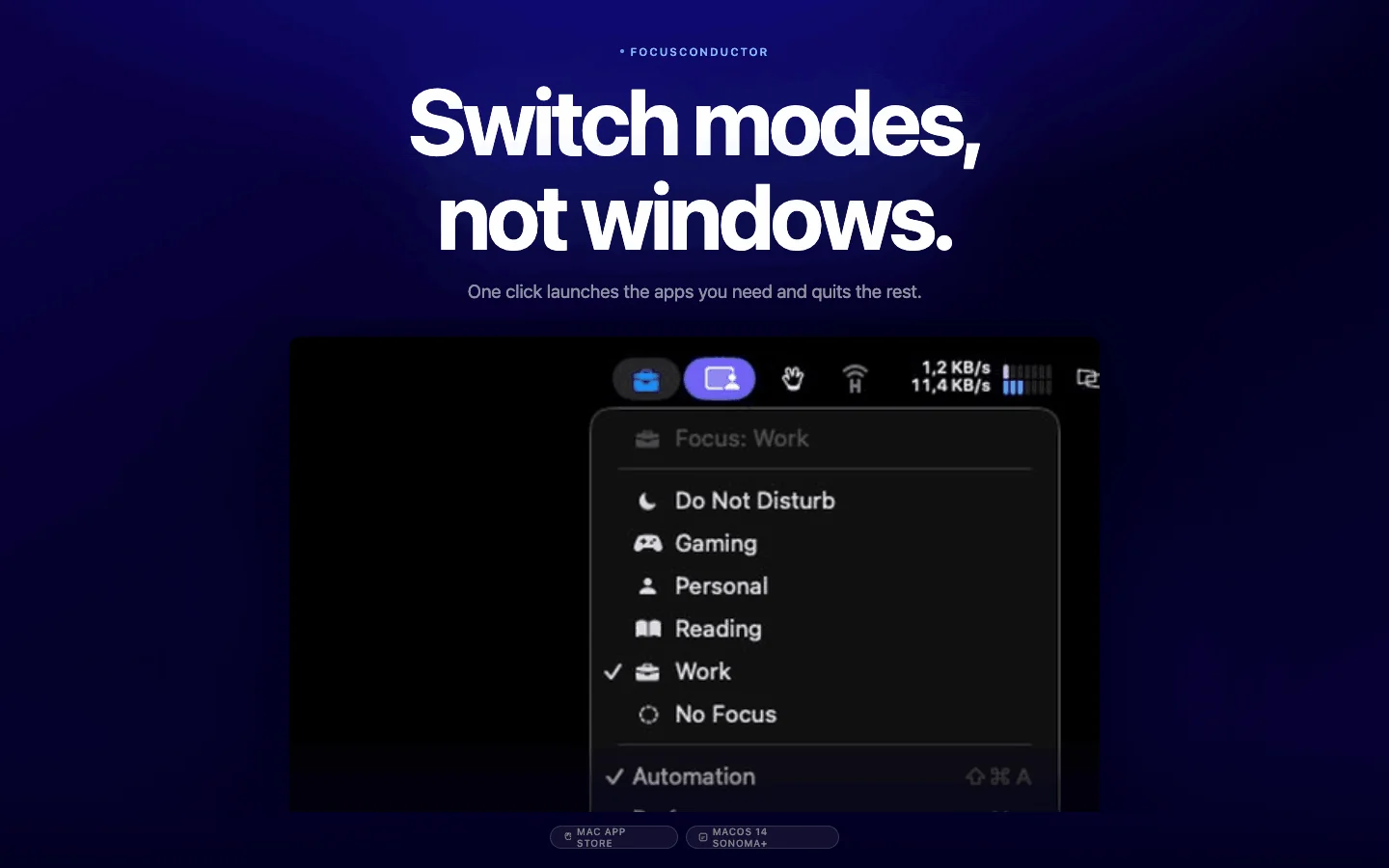
The moment you activate a Focus mode — from the menu bar, the desktop widget, or Shortcuts — FocusConductor reacts in under a second. Apps open. Apps close. Your environment is ready.
Runs any shortcut
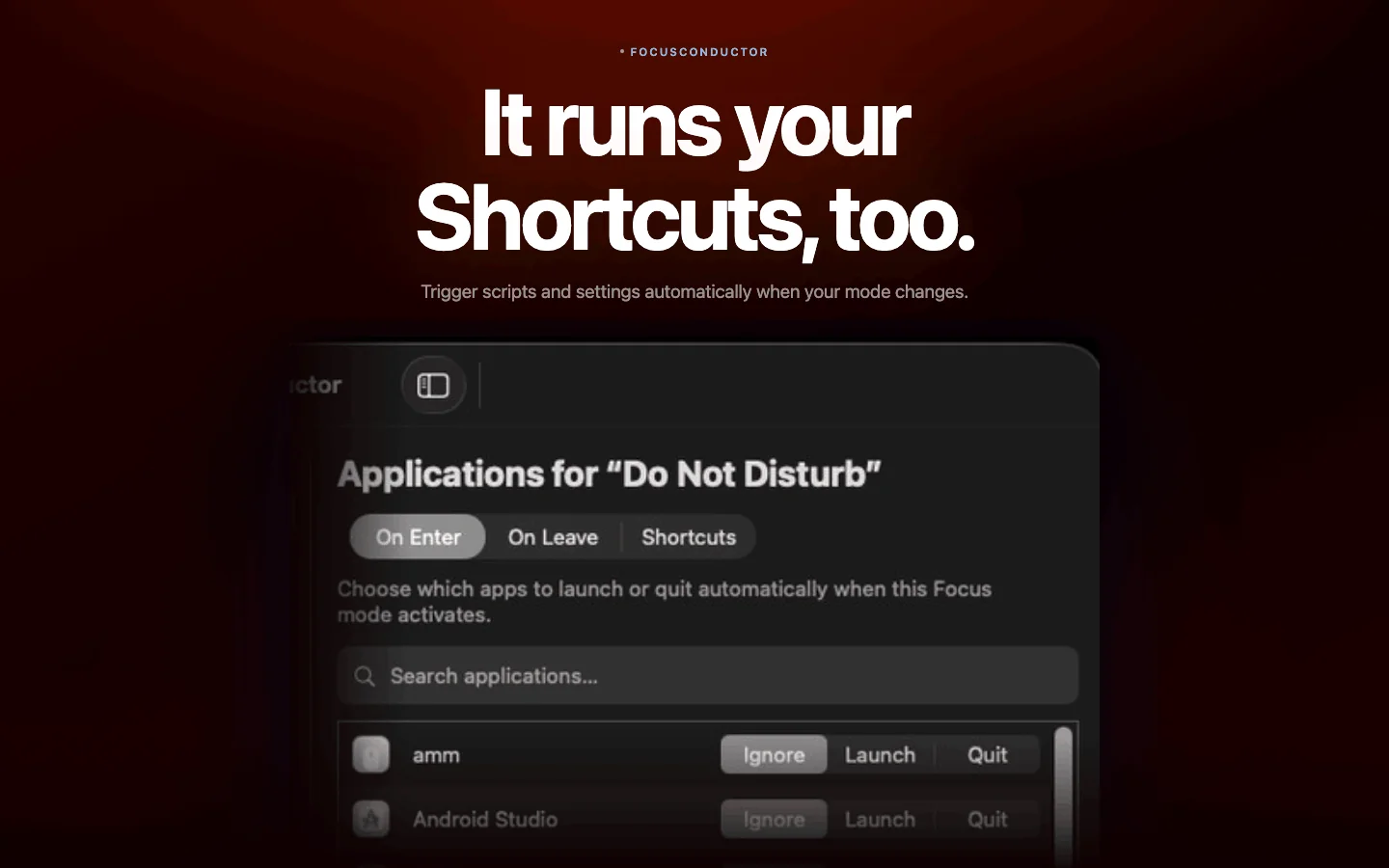
Execute macOS Shortcuts when your mode changes. Run scripts, toggle settings, send messages — all automatically.
WidgetKit integration
See and switch your current Focus mode directly from a widget on your desktop. Small, medium, and large sizes supported.
Fully private
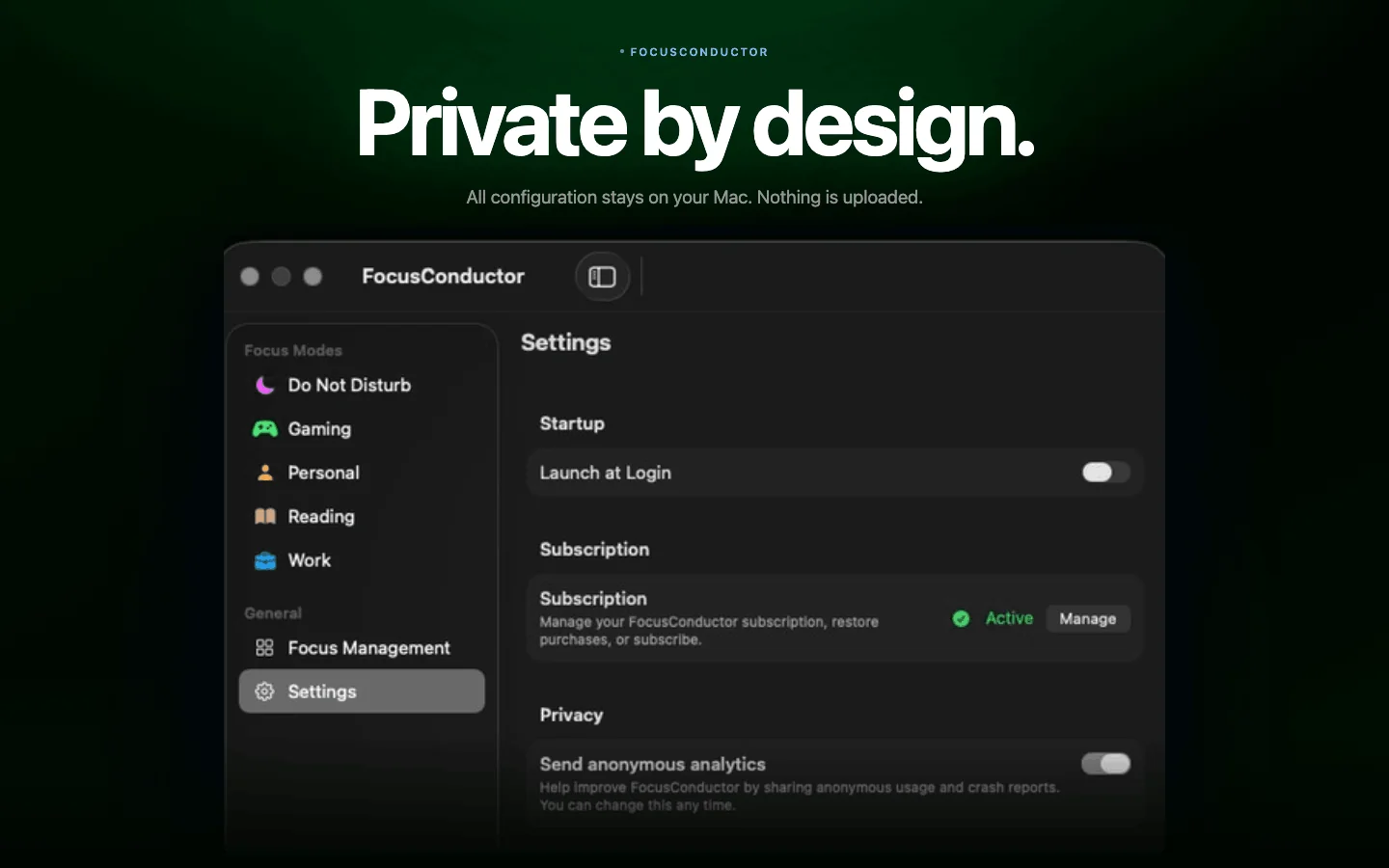
All configuration lives in ~/Library/Application Support/FocusConductor/. Nothing is uploaded. Anonymous analytics only — and you can opt out.
Trigger from anywhere
Activate any Focus mode from the menu bar, the desktop widget, Spotlight, or Shortcuts.app. Switch contexts without breaking flow.
Graceful app quitting
Apps are asked to quit cleanly with a 5-second timeout before force-quitting. FocusConductor never quits itself, no matter what.
Up and running
in 3 minutes.
No configuration files. No scripts. Just a clean preferences window.
Set up your Focus modes
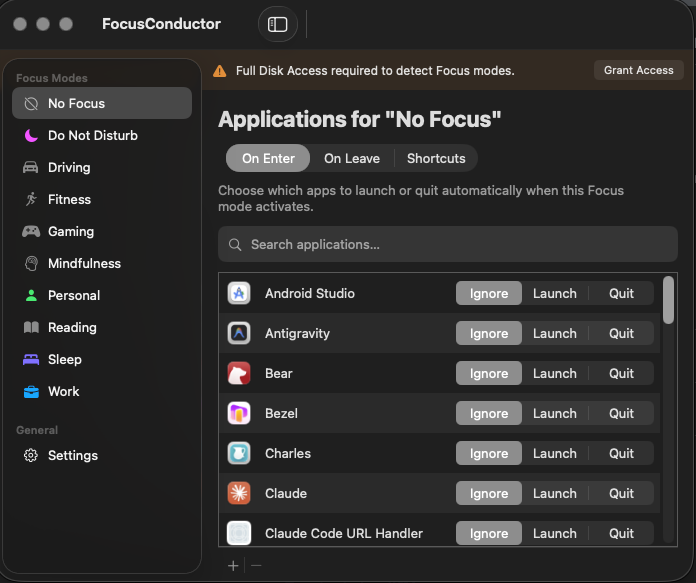
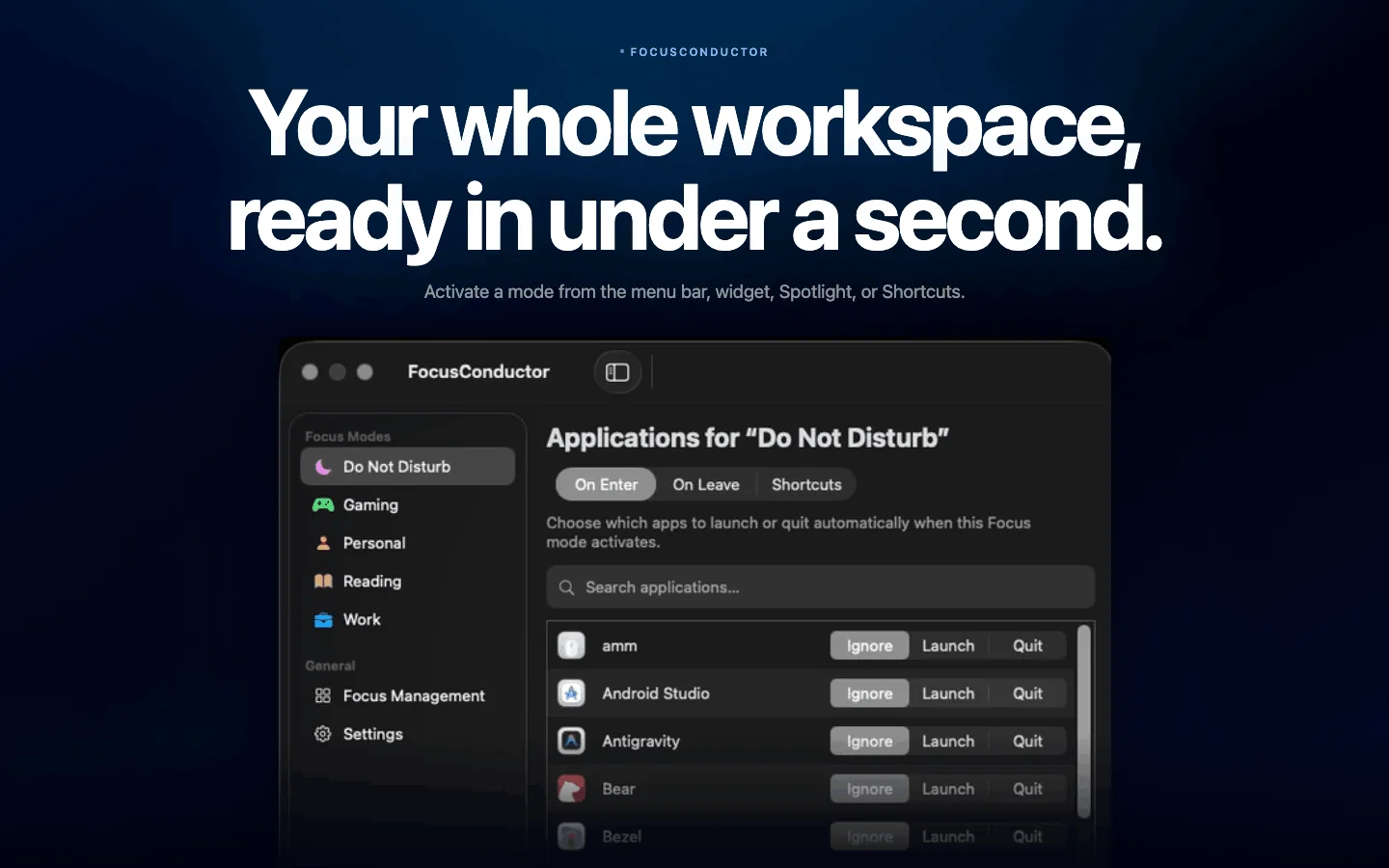
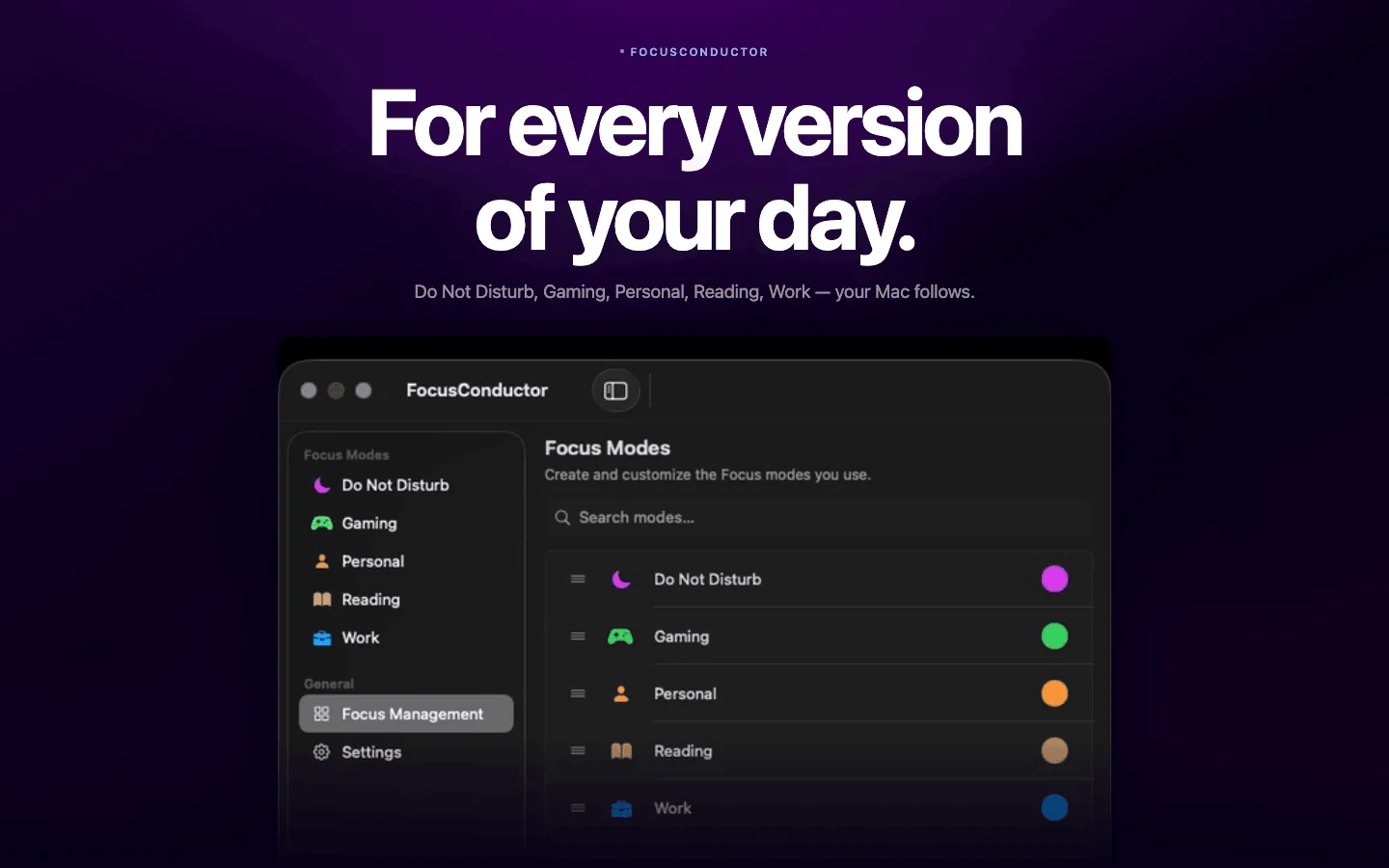
Open FocusConductor and create the Focus modes that fit your life — Work, Personal, Reading, whatever you need. Each mode is yours to define.
Assign apps to each mode
Open FocusConductor Preferences, select a mode, and drag apps to Launch or Quit lists. Or pick from the full list of installed apps.
Switch Focus — done
Activate any Focus mode. FocusConductor quits apps from your previous mode and launches the ones for the new one. Instantly.
For every version
of your day.
Deep Work
Launch Xcode, Linear, Notion. Quit Slack, Messages, Spotify. Your Mac becomes a distraction-free coding machine.
Creative mode
Open Final Cut, Logic, Figma. Close email and chat. Full creative focus with one mode switch.
Meetings
Zoom opens automatically, distracting apps close. You're always camera-ready when the call starts.
Wind down
Work apps close at bedtime. Only books, podcasts, and relaxing apps stay open. Your Mac respects your evenings.
Simple, honest pricing.
14-day free trial. Cancel anytime. Billed securely by Apple.
- 14-day free trial
- All features unlocked
- Unlimited Focus modes
- Widget + Shortcuts support
- 14-day free trial
- Everything in Monthly
- Priority support
- Family Sharing ready
Subscriptions are billed via the Mac App Store. Manage or cancel anytime from System Settings → Apple ID → Media & Purchases → Subscriptions.
Common questions.
Does FocusConductor need any special permissions?
No Full Disk Access required. The first time FocusConductor quits an app, macOS asks you to allow it via Apple Events — that's the only permission you'll see.
Which macOS versions are supported?
FocusConductor requires macOS 14 Sonoma or later. The app relies on SwiftUI and WidgetKit features introduced in macOS 14.
Can I create my own Focus modes?
Yes. Focus modes in FocusConductor are entirely user-defined. The app ships with five defaults (Work, Personal, Sleep, Reading, Focus). Edit them, rename them, recolor them, or add as many as you like.
What happens to apps already open when a mode activates?
Apps assigned to Quit are gracefully terminated (they receive a quit signal and get 5 seconds before force-quit). Apps assigned to Launch open only if they're not already running.
Can I use FocusConductor on multiple Macs?
Yes. Your subscription is tied to your Apple ID and works on every Mac signed in with that Apple ID. Family Sharing is supported too — share FocusConductor with up to 5 family members at no extra cost.
Is my data private?
Completely. All configuration stays in ~/Library/Application Support/FocusConductor/ on your Mac and is never uploaded. FocusConductor sends anonymous usage events (app launch, mode changes) via PostHog (self-hosted in the EU) to help improve the app. You can opt out at any time in Settings.
What is your refund policy?
Refunds for App Store purchases are handled directly by Apple. Visit reportaproblem.apple.com and pick FocusConductor to request a refund. If something's wrong on our end, email contact@focusconductor.com and we'll do our best to help.
Start your
focused Mac life.
Start your 14-day free trial. No credit card — just your Apple ID.